
Why the choice of workflow matters right away
Some teams still email loose image sets; others push full photogrammetry projects into cloud portals. Comparing those approaches highlights winners fast: accuracy, traceability, and smooth handoffs. When you capture jaw relation data, the file packaging and the transfer method decide whether the lab can reproduce occlusion precisely. At the ADA annual meeting, clinicians and lab managers often point to inconsistent transfer practices as the top source of remake work—I’ve seen similar problems while consulting with clinics and labs for seven years. Pick a workflow that preserves coordinate data, records settings, and hands off files without surprises.
Quick comparative snapshot: three common routes
Emailing raw photos — fast, familiar, but risky: lost metadata, image compression, and no version control. Cloud photogrammetry platforms — consistent processing and shared projects, but watch vendor lock-in and file access controls. Packaged transfer (export meshes + manifest + camera params) — a bit more setup, yet the most reliable for cross-lab collaboration because it keeps geometry and provenance together. I recommend judging solutions by how they protect the geometry, retain camera parameters, and include a clear manifest that maps files to clinical steps.
Common pitfalls that slow teams down
Ignoring coordinate frames causes misaligned prosthetics; dropping camera calibration files erases key accuracy; using lossy image formats breaks matching. Teams also underestimate simple things: inconsistent file names, missing implant scan body IDs, and no change log. These errors force repeat scans or time-consuming rebuilds. Avoid them by insisting on a single transfer package that includes mesh files, raw images, camera parameters, and a short manifest listing scan bodies and version timestamps.
How systems differ: formats, fidelity, and traceability
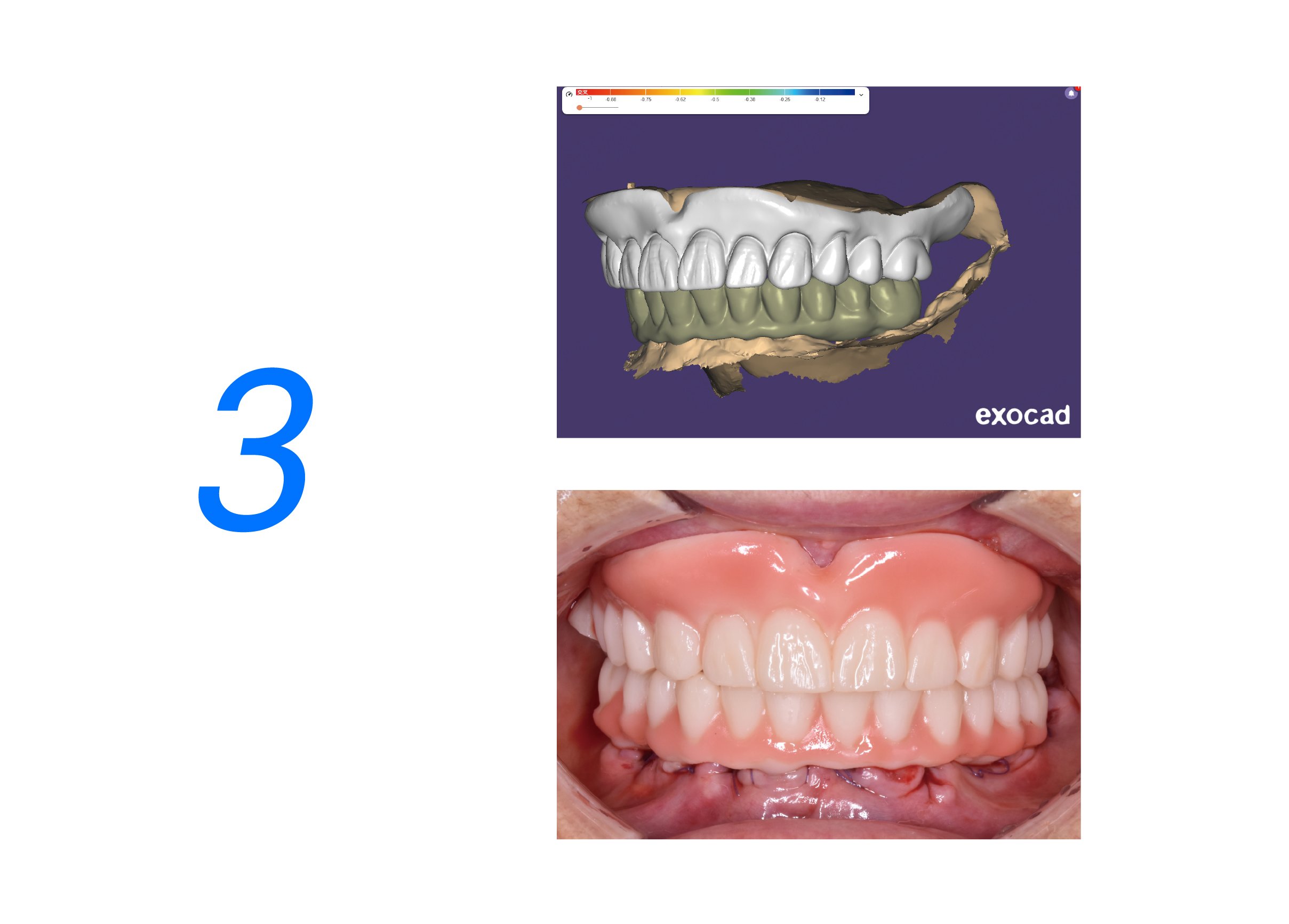
STL gives shape but no color or camera info. OBJ/PLY can carry texture but still omit camera matrices. Native photogrammetry project exports (with camera intrinsics/extrinsics) let the receiving side re-run or audit the reconstruction. Fidelity gaps show up when implant positions are compared millimeter-by-millimeter; you need traceable metadata to confirm why two reconstructions differ. Ask vendors for export that includes: raw photos, camera calibration, processed mesh, and a manifest naming the implant components and scan bodies.
Collaboration options and the trade-offs
Cloud collaboration simplifies shared viewing and keeps a single source of truth, but evaluate data residency and access controls. Local transfers (SFTP or secure ZIP with manifest) avoid vendor dependency and give you direct control, which some labs prefer for HIPAA or regional privacy requirements. Hybrid setups let you store large archives locally while sharing processed previews in the cloud for quick decisions. For handoffs, choose a route that guarantees exact file fidelity and a clear audit trail—those are the points that cut remakes and speed delivery.
Alternatives and when to use them
Intraoral scanners are great for single-unit cases and when immediacy matters. Traditional lab scanners fit well when you already have calibrated lab workflows. Photogrammetry shines for multi-implant arrays and when implant-to-implant positional accuracy is critical. If your priority is speed over multi-implant precision, intraoral scanning may be fine. If you need reproducible implant coordinates across teams, photogrammetry with a robust transfer and manifest beats ad-hoc methods every time.
Final take: choose clarity over convenience
Compare not just accuracy numbers but how a solution hands files off, documents settings, and keeps everyone on the same page. Practical choices—include camera parameters, package raw and processed files together, and pick a transfer route that your lab can open without guessing—cut both remakes and frustration. For teams that need a reliable photogrammetry path that preserves occlusion context and simplifies cross-site exchange, many clinics find a smooth balance with SHINING 3D DENTAL, where file fidelity and clear collaboration tools meet clinical needs without the guesswork.