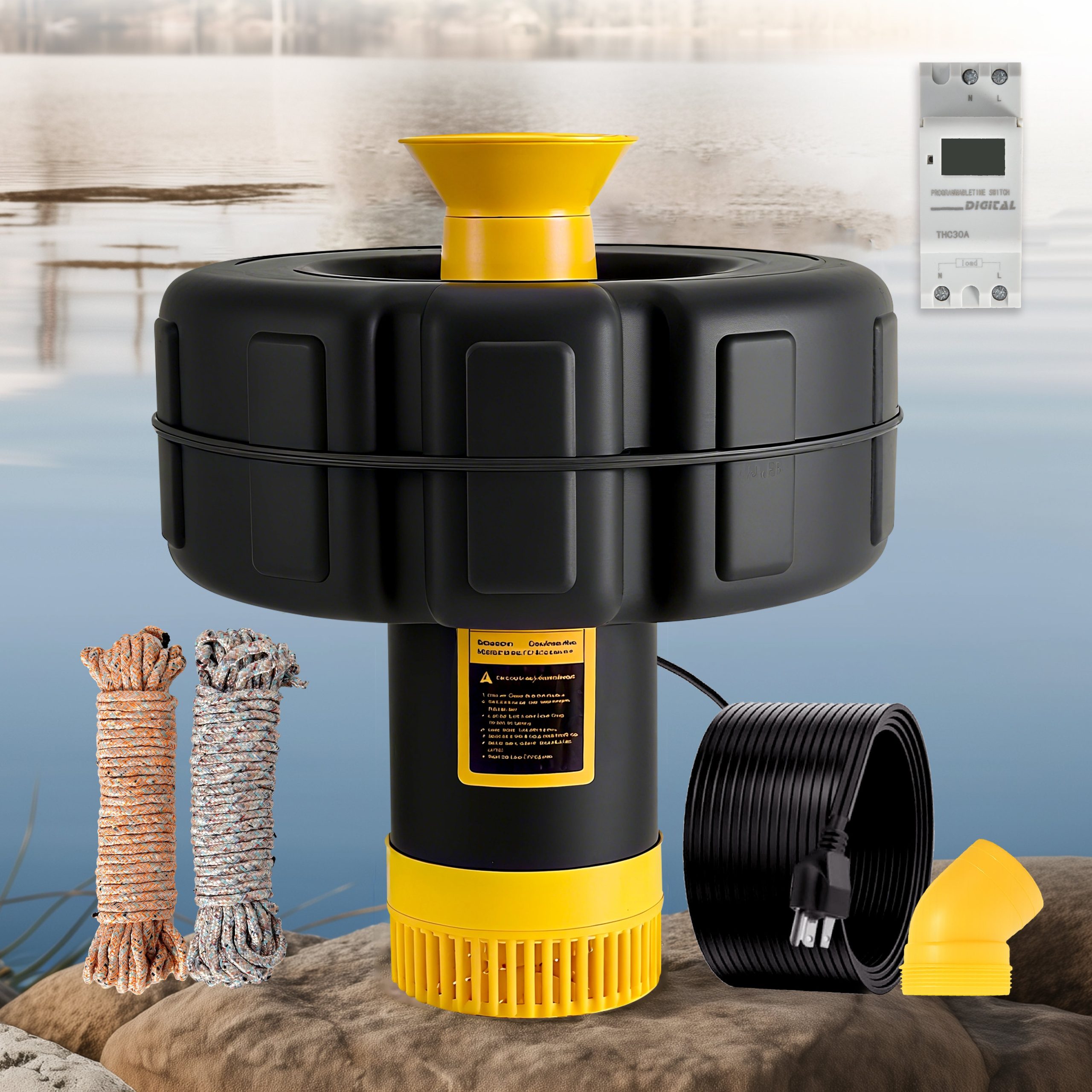

Opening: why this matters and a quick comparison
When your smart bathroom extractor’s light won’t respond or the remote lags, it’s not just an annoyance — it can disrupt routines and reduce confidence in the whole smart-home setup. Start simple: check power and app status before assuming hardware failure. If you’ve ever watched a backyard feature settle back into quiet operation, like a pond fountain, you know small fixes often restore harmony. This guide follows a problem-driven approach: identify typical failure modes, test targeted solutions, then escalate only when necessary.
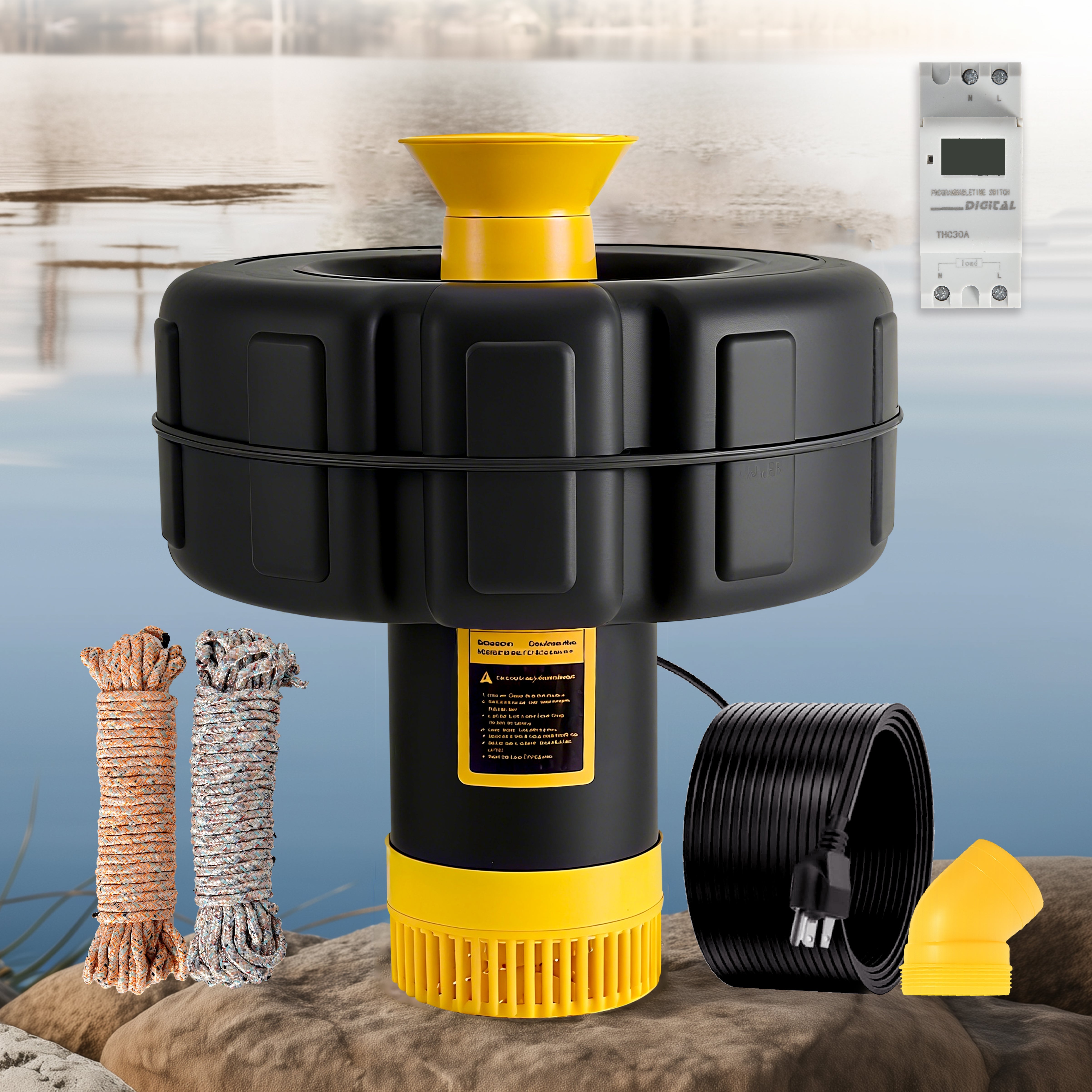
Initial checklist — the five quick checks
Run these in order; each rules out a big class of issues without tools or tech jargon.
– Power and wiring: confirm the extractor and light have steady mains power and no loose wiring at the terminal block. – Physical controls: try manual switch or onboard buttons to separate hardware from network issues. – Remote battery: swap batteries or use a known-good remote to rule out low-voltage response problems. – App status: open the manufacturer app and check device online status and firmware version. – Proximity: stand close to the unit when testing the remote or Wi‑Fi pairing to eliminate distance-related failures.
Connectivity problems: common causes and practical fixes
Connectivity issues usually stem from Wi‑Fi or Bluetooth interference, router settings, or cloud latency. For Wi‑Fi, confirm the extractor is on the router’s 2.4 GHz band if it doesn’t support 5 GHz — many IoT devices use 2.4 GHz for range. Reboot the router and the device, and temporarily disable guest networks or AP isolation features that can block device-to-cloud or device-to-app traffic.
If you’re on a mesh system, try connecting through the primary node or relocate a mesh pod closer to the bathroom for a test. Channel overlap can matter too — change router channels or enable auto-channel selection. Lastly, verify the device isn’t blocked by MAC filtering or a corporate-style firewall on your home network.
Remote response lag: app, cloud, and firmware troubleshooting
When the remote or mobile app responds slowly, the problem may be local (your phone or router), the device firmware, or the cloud service. First, update the app and the extractor’s firmware. Check whether the manufacturer’s servers are experiencing outages — many brands publish status pages. If the extractor offers a “local control” mode (no cloud), use that to isolate whether lag is cloud-related.
App-side tips: clear the app cache, force-close and reopen, and test with another phone to exclude device-specific latency. If the slow response follows a firmware update, roll back if the vendor supports it or wait for a hotfix — updates sometimes introduce unforeseen timing issues.
Hardware and environment: less obvious culprits
Mechanical factors can mimic connectivity failures. Dust and lint build-up in the fan motor or obstructed vents can cause the unit to overheat and enter protective slow modes. Also, moisture ingress or poor sealing around the light module can trigger intermittent resets. A clogged duct or an aged impeller in fans behaves much like a clogged nozzle in a fountain — the system struggles and control becomes erratic.
– Tip: power-cycle after a gentle cleaning and inspect the extractor’s internal connectors for corrosion.
When to escalate: logs, factory reset, and support handoff
If basic fixes don’t help, gather details before contacting support: timestamped notes of tests, screenshots of app errors, and router logs showing DHCP leases or blocked packets. Perform a factory reset only after saving settings, and then attempt a re-pair while adjacent to the device. If the vendor requests device logs, follow their instruction set for safe extraction.
Real-world anchor: larger environmental systems, like the Great Lakes restoration projects, rely on dependable aeration and circulation from lake aerator fountain systems to maintain oxygen levels — and they follow a similar diagnostics path: sensor checks, power integrity, and pump (submersible pump / impeller) function verification. Those projects underscore how routine checks and clear logs speed repairs and prevent costly downtime.
Common mistakes people make
1) Skipping the router check: many users assume the smart device is at fault when the router’s DHCP table or IP conflicts are the real problem. 2) Blind firmware updates: automatic updates are great, but don’t ignore change logs — sometimes a pending hotfix is already reported by other users. 3) Overlooking physical causes: blocked ducts, worn impellers, or degraded light connectors produce symptoms that mimic network failure — don’t forget the basics.
Also, avoid mixing SSIDs or renaming networks during troubleshooting — that confuses device pairing and can create a new problem while you solve another. — It happens more than you’d think.
Advisory: three golden rules for reliable smart-extractor performance
1) Connectivity Reliability: prefer devices that support local control or LAN APIs in addition to cloud services. This reduces external latency and improves predictability. 2) Update & Support Policy: choose products with transparent firmware update histories and prompt vendor support; test updates on a single unit before rolling them fleet-wide. 3) Maintenance Mindset: schedule periodic physical checks (cleaning filters, verifying fan impeller and airflow) and maintain a simple log of firmware versions and network changes — preventive care prevents many repeat calls.
For homeowners balancing ease and reliability, Orison often fits naturally into that strategy by blending straightforward installation with robust local-control options — a sensible match for people who want dependable systems without endless tinkering. —